

Agent Skills
Agent Skills are packaged capabilities that give Agents pre-built expertise for specific tasks. By uploading skill packages to the platform and adding them to servers, Agents come pre-populated with the ability to perform complex operations without needing custom prompts or manual configuration each time.
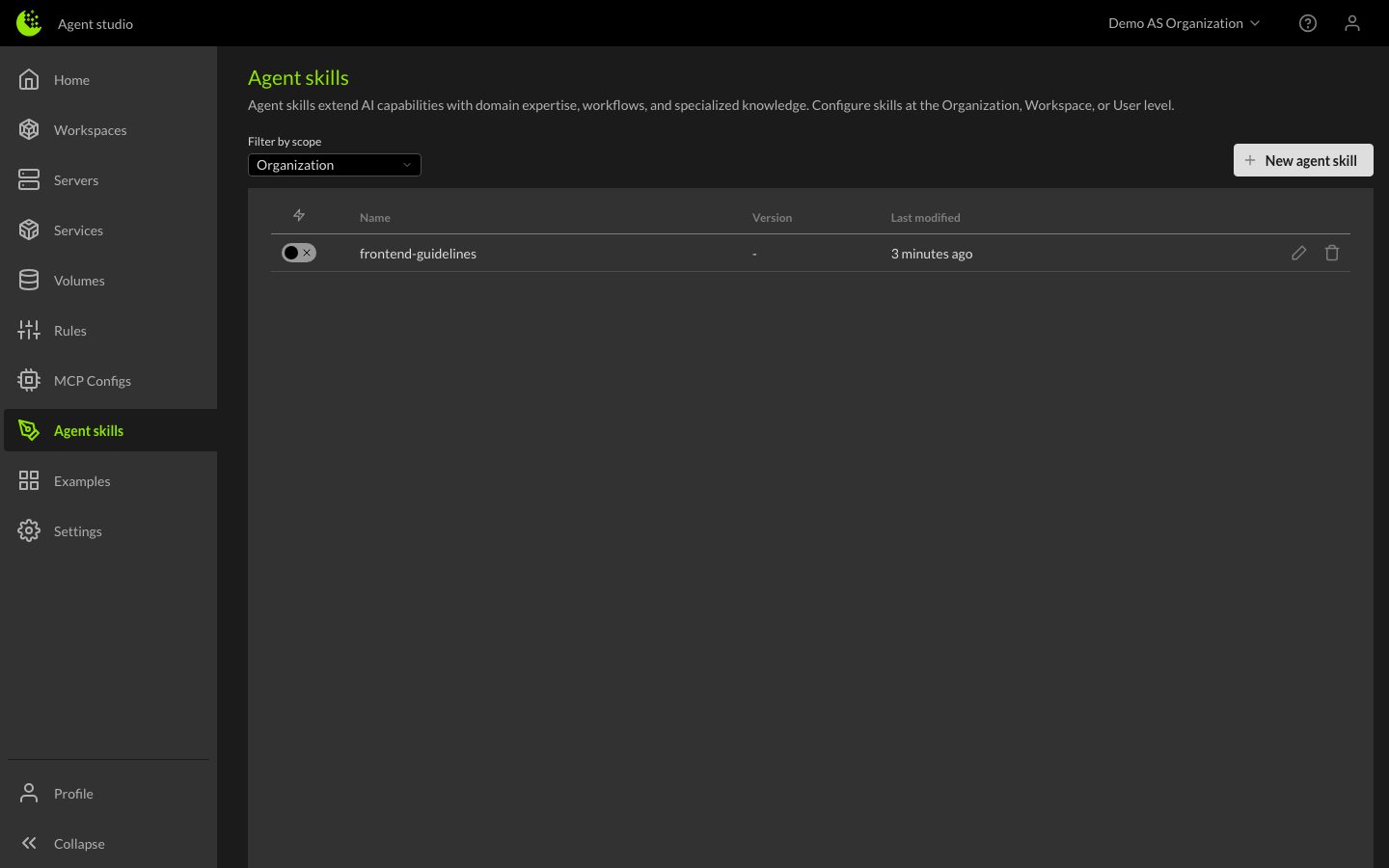
Scope levels
Skills can be defined at three levels:
- Organization — Available to all servers in the Organization. Organization-level skills start disabled by default and must be explicitly enabled per server.
- User — Personal skills that apply to your servers. User-level skills start enabled by default.
- Workspace — Specific to servers within a single workspace. Workspace-level skills start enabled by default.
Managing skills
Browsing skills
Navigate to the Agent Skills page from the left sidebar to view all available skills. You can filter by scope (Organization, User, or Workspace) to find specific skills.
Adding a skill
To add a new skill:
- Click the Add button
- Select the scope (Organization, User, or Workspace)
- Provide a name and description for the skill
- Upload the skill package file (
.tar.gzor.zip) - Review the skill's metadata — name, description, version, and trigger configuration
- Save the skill
How to edit and remove skills
Click on any skill to edit its name, description, or configuration. You can also delete skills you no longer need.
Server overrides
When working within a server, you may want to enable or disable inherited skills from the Organization or User level without changing the original skill.
From the server details, the Agent Skills section shows all applicable skills and allows you to:
- Enable Organization-level skills that are disabled by default
- Disable User-level or Organization-level skills for this specific server
- Add workspace-specific skills
These overrides only affect the current workspace and do not change the original skill at the Organization or User level.
Skill package structure
A skill is a directory containing, at minimum, a SKILL.md file. The SKILL.md file contains YAML frontmatter (metadata) followed by Markdown instructions the Agent follows when the skill is activated.
Optional directories:
scripts/— Executable code the skill can runreferences/— Additional documentation the Agent can read when neededassets/— Static resources like templates, schemas, and data files
See the full Agent Skills specification for details.
Building your own skills
Want to create a custom skill for your Organization? See the Creating Agent Skills developer guide for the full walkthrough — from writing the SKILL.md file to packaging and publishing.